LinkedIn Forces 2FA Login on Paid Accounts
LinkedIn makes 2FA login mandatory for all Sales Navigator, Recruiter and Campaign Manager users. In Sales Navigator it has applied since mid-April 2025 on the Core, Advanced and Advanced Plus plans, unless the account signs in through SSO.

LinkedIn 2FA login in short
- If you already have two-factor verification on your LinkedIn account or your company has its own multi-factor authentication, you don't need to do anything: verification works for LinkedIn.com, Sales Navigator, Recruiter and Campaign Manager.
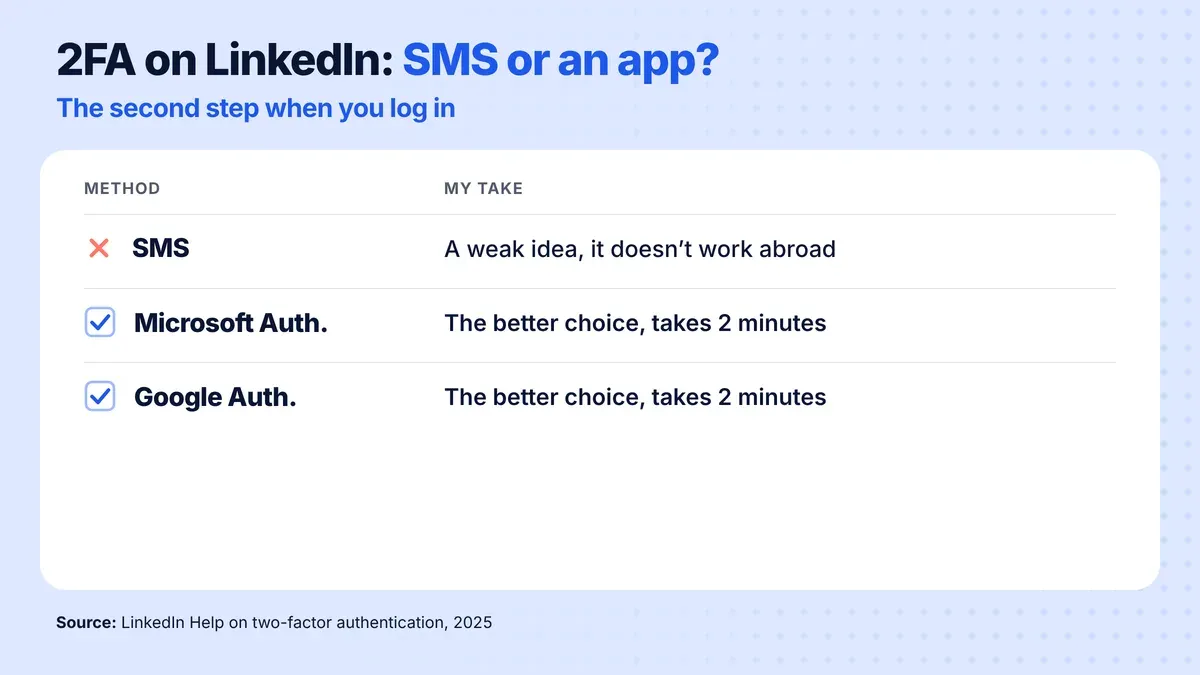
- As the second step of your LinkedIn login, choose an authenticator app (Microsoft Authenticator or Google Authenticator) rather than SMS, because SMS doesn't work when you're abroad. Setting it up takes 2 minutes.
- LinkedIn asks for the verification only when you log in from a new device or browser, so it doesn't change your daily work.
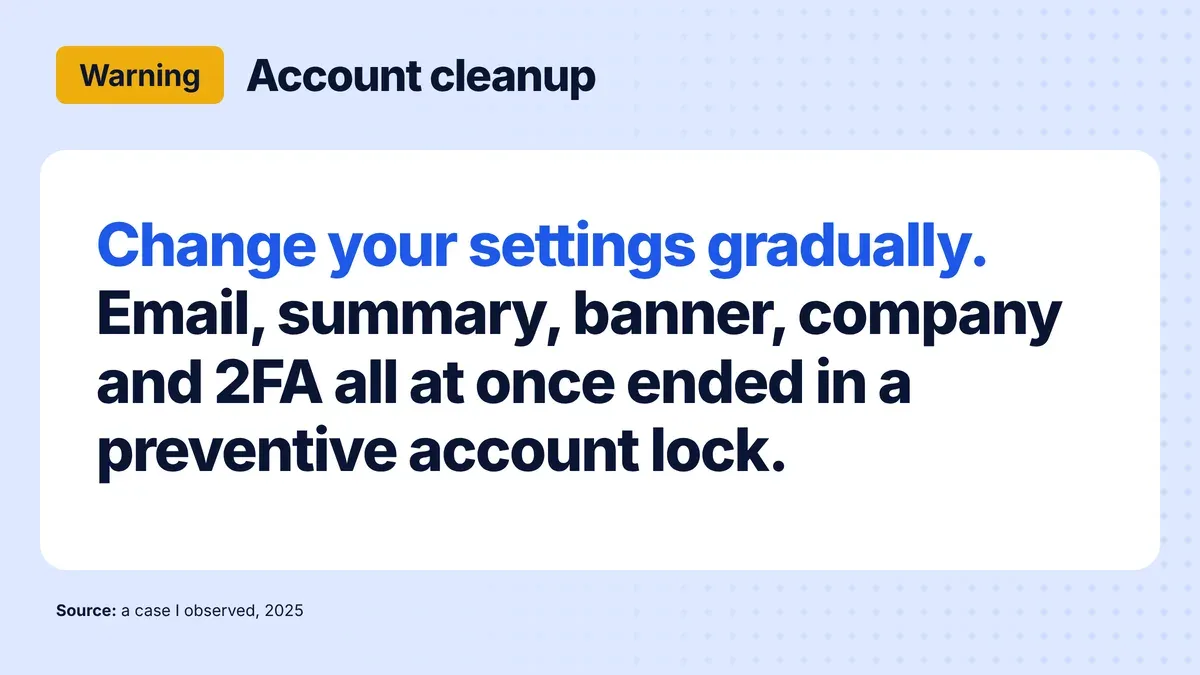
- Clean up your LinkedIn account gradually: in the case described, changing email, summary, banner and company, enabling 2FA and verifying with an ID all at once ended in a preventive lock, because LinkedIn treated it as an account takeover attempt.
LinkedIn forces two-factor authentication (2FA) on paid accounts and does it for a reason.
Have you seen such a message on your LinkedIn? Ignoring it can cost you more than you think! 😬
As part of the fight against hackers and programs illegally downloading data from your accounts like blocked Apollo or Seamless LinkedIn, it was decided that from April, two-factor authentication will not be an option but will be mandatory.
Why?
Every day, hackers take over hundreds of LinkedIn accounts, gaining access to your contacts, messages and confidential business data. What’s worse - they use these accounts to extract information from your network of contacts who trust that it’s really you!
Unlike other social media, you have more data on LinkedIn like a real phone number or email.
Especially vulnerable are Sales Navigator users who have access to extensive contact data and analytics. LinkedIn is aware of this and from April 2025, two-step verification will be MANDATORY for everyone using this tool.
Sources in LinkedIn Help: Turn two-factor authentication on and off and Two-factor authentication in Sales Navigator FAQs. 2FA is mandatory for all Sales Navigator, Recruiter and Campaign Manager users. In Sales Navigator it has applied since mid-April 2025 on the Core, Advanced and Advanced Plus plans, unless the account signs in through SSO.
What should you do?
👉 If you already have 2FA protection on your account, nothing.
👉 If you don’t have a secured account, enable two-factor authentication on your account before April: • You can use SMS verification but this is a weak idea because SMS doesn’t work when you’re abroad. • Better to choose an authenticator app (Microsoft Authenticator or Google Authenticator) • It will take you literally 2 minutes and protect you from serious problems
Fun fact: verification will only be required when logging in from a new device or browser, so it won’t affect your daily work. You do it once and forget.
Here are answers to the most frequently asked questions from participants in my training:
🔵 Is two-factor verification required for all Sales Navigator plans? Yes, it applies to users of all plans: Core, Advanced and Advanced Plus, unless you use SSO.
🔵 What if I already have two-factor verification enabled on my LinkedIn account? Great! You don’t need to take any additional actions. Verification works for LinkedIn.com, Sales Navigator, Recruiter and Campaign Manager.
🔵 Do I need to enable verification if my company already has its own multi-factor authentication? No, if your company already has its own multi-factor authentication enabled, you don’t need to additionally configure two-factor verification.
🔵 Will I still receive email notifications from Sales Navigator if I don’t enable verification? Yes, you will still receive email alerts, even if you haven’t enabled verification yet.
Last tip: when you’re doing LinkedIn cleanup, do it gradually to avoid account blocking. Piotr, who in one moment changed email, description, banner, company, enabled 2FA and verified account with ID, finally got a preventive block because LinkedIn considered these actions as an account takeover attempt.
Do you already have a secured account, what method did you choose? If you have questions about LinkedIn security - I’ll be happy to help!

About the author
Rafal Szymanski
I implement LinkedIn and Sales Navigator in companies so they turn a profit.
I've been training people in LinkedIn since 2016 — more than 3,700 of them, across 80+ B2B companies. Founder of B2B Marketing.AI, a CRM platform for advanced LinkedIn users. I help sales and marketing teams turn LinkedIn into a predictable source of leads. I've spoken about LinkedIn at the biggest conferences, including I Love Marketing, InfoShare and Effie, and picked up a few awards along the way.