![A image about [object object]](/_astro/service-impact-stats-bg.B62RSS7F_ZMk0np.webp)
Who is this training for?
The training is ideal for:
- People starting to work with LinkedIn - we start with overlooked basics like how to create and secure a LinkedIn account and why it’s so important.
- Marketing departments - looking for methods to reach a wider audience with materials through employee engagement.
- Business owners and entrepreneurs - who want to personally build business relationships on LinkedIn.
- HR departments - responsible for implementing Employer Branding and Employee Advocacy strategies in the organization.
Who is this training NOT for?
I would consider my other services in situations:
- You need support with Company Page - ask for a 1-on-1 consultation, and I’ll prepare an audit and implement changes.
- LinkedIn Sales Navigator account users - in LinkedIn training I teach LinkedIn Marketing scope, which is needed when using Sales Navigator but I have separate trainings dedicated for such users.
LinkedIn Marketing Training Program for Companies
Starting with LinkedIn
- Why do I need a LinkedIn account, even if I have my own website (SEO, GEO, login)
- What are the types of LinkedIn accounts and who are they for?
- Differences in functionality between free and paid LinkedIn accounts
- Why is LinkedIn profile at the top of Google results?
- How to check what Google knows about us and our company?
- How to remove inconvenient results for us in Google and what does LinkedIn have to do with it?
- How to monitor our brand or ourselves on the Internet and what does LinkedIn account have to do with it?
- Exercise for participants
Trust-building LinkedIn profile
- How to fill out the profile?
- Newly introduced profile functionalities
- LinkedIn account management
- Securing LinkedIn account, securing contact list, securing email.
- Exercises and optimization of participants’ profiles.
Personal branding - how to describe yourself
- Corporate, business or personal brand
- Methods of measuring personal brand (ready indicators)
- How to tell about yourself in 3 sentences (for the About section) - exercise for participants.
- Using AI to complete profile and write content - exercise for participants.
LinkedIn algorithm and contact network
- How LinkedIn algorithm evaluates posts.
- Skill Graph and user profile completion.
- Dwell time and types of posts promoted by LinkedIn.
- Contact network size and recommendations.
- How to write invitations and messages - discussion of templates for participants.
- How to use LinkedIn search - tricks and exercises for participants.
Effective content on LinkedIn
- What posts get clicked and why?
- How to write posts correctly?
- Types of posts and guides on how to create them?
- When to publish and how to measure effectiveness?
- Helpful LinkedIn and external tools for creating and analyzing posts.
- Helpful tricks in searching for viral content on LinkedIn and jumping on trends.
Additional possible LinkedIn Marketing training modules for Companies
LinkedIn workshop for Management
- Risks of introducing LinkedIn in the company
- Most common objections and questions from Management and employees, with answers
- What can and cannot be ordered to an employee - discussion of Polish and EU law regulations.
- What KPIs to set for employees?
- What goals can be set for HR, Sales, Marketing and personal for employee and what are realistic results?
- What does the Employee Advocacy program implementation process look like in the company, step by step
- Case study from implementations with examples of failures, to avoid them in your company.
Using AI on LinkedIn and for content creation
- What models do we have and what are they for
- What AI do we have on LinkedIn and how to use them and for what specifically
- Preparing to work with LLM to get good results
- Going through tools, same queries, different results
- Preparing LinkedIn description using CHATGPT - discussion of prompts and exercises
- Collecting information for publication with Perplexity - discussion of prompts, creating a project with company knowledge base, hallucination verification.
- Contact invitations written by AI based on Client profile. - discussion of prompt and exercises for participants.
- Prompts for content preparation - exercises for participants.
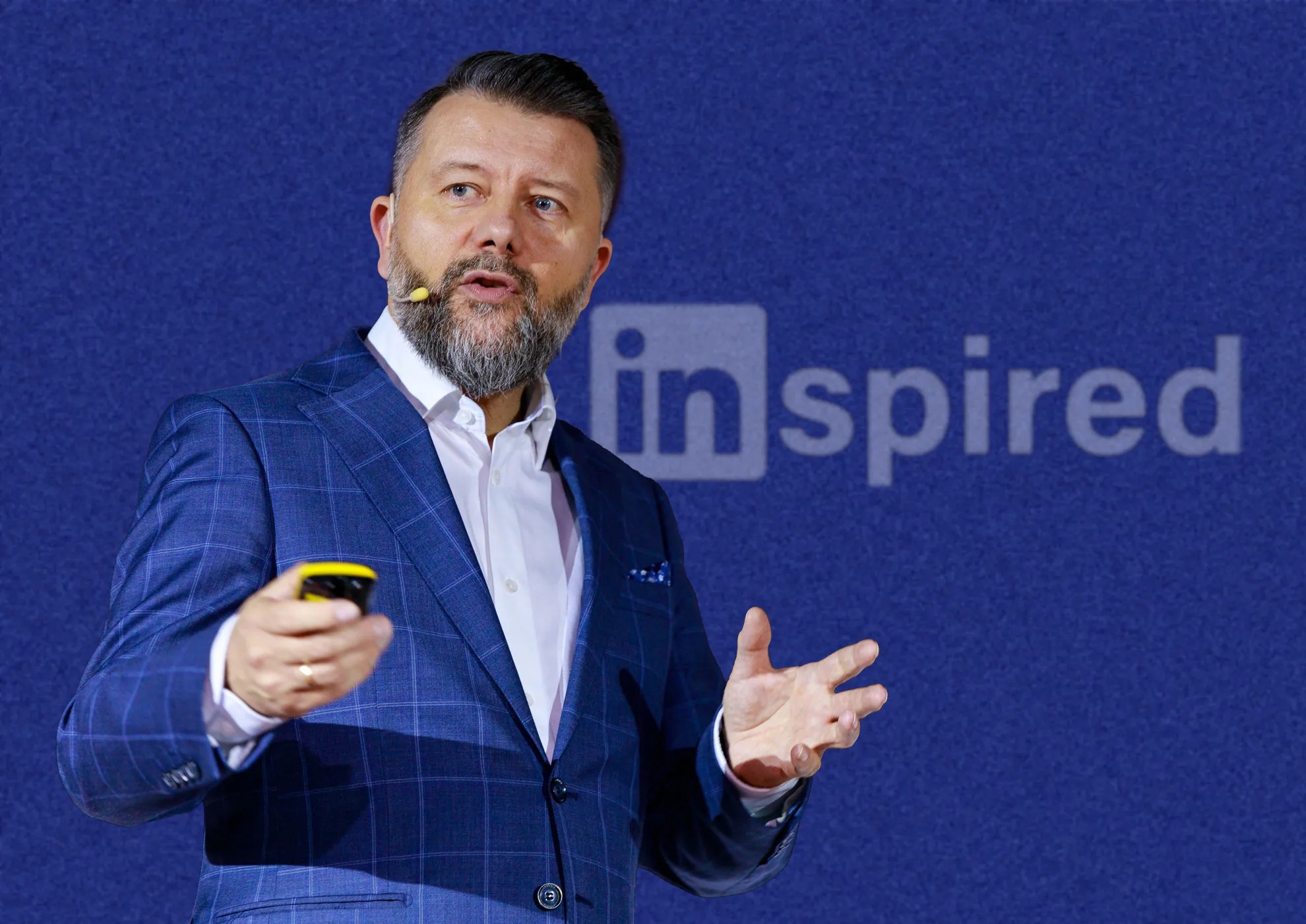
Your LinkedIn trainer: Rafał Szymański
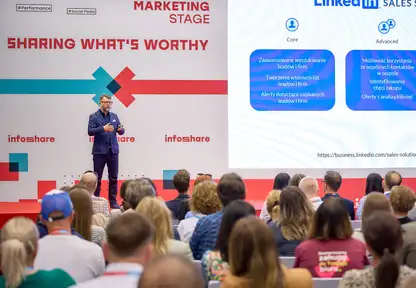
Rafał Szymański is one of the few experts in Poland who deals exclusively with LinkedIn and LinkedIn Sales Navigator. This is his niche and specialization since 2016. He doesn’t train on TikTok, Instagram, ads or any topic he gets asked about but only on LinkedIn, its tools and building expert brand.
What you’ll get?
Training materials
- All presentations and materials in electronic form
- Message templates - ready patterns to use
- Checklist for filling all 34 profile elements along with discussion of how it should be done correctly and if we can support ourselves with AI then which one and how.
Certificate
- Each training participant will receive confirmation by external certifying body of participation in the form of diploma and badge visible on LinkedIn profile
- Certificate is visible on training participant’s LinkedIn profile
- Link verifying certificate authenticity Link to sample certificate
Post-training support
- 1 hour of online consultation within 30 days after training
- Answers to questions that arise while implementing knowledge in practice