LinkedIn Comments as a Good Start for Action
LinkedIn comments now have their own analytics: under your comment you see its view count, next to the Like and Reply buttons. Before you get excited about the new data, remember that the feature started as a test and somewhat stretches reality.

LinkedIn Comments in short
- Only the author of a LinkedIn comment can see its view count. Page administrators will see the view counts of all comments created as the page.
- LinkedIn comment view counters are not unique: if the same user views a comment many times, each view is counted, including your own. There is no dashboard summary like “Your comments were viewed so many times” either.
- No other platform treats comments as a legitimate way to grow visibility the way LinkedIn does, which is why creators, marketers and brands build entire strategies around commenting.
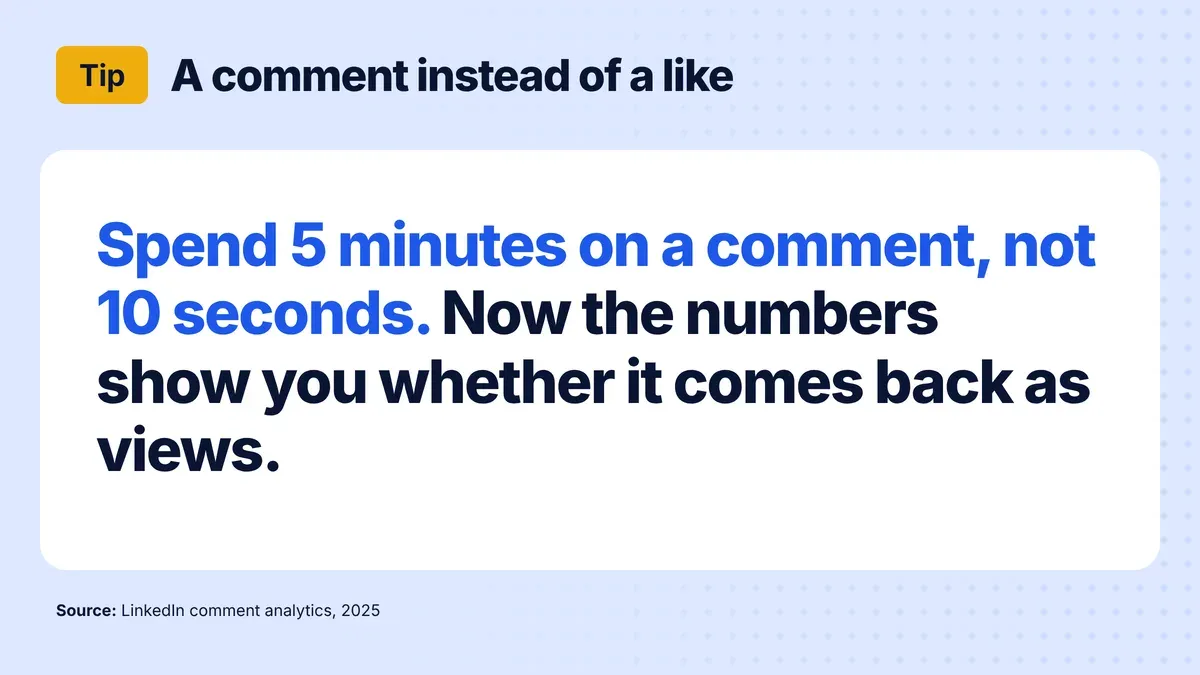
- In my view, comment analytics is meant to make people comment more often and leave more valuable comments. Spend 5 minutes on a comment, not 10 seconds, and check in the numbers whether it comes back as views.
When someone tells me they don’t know where to start writing on LinkedIn, I answer that with writing comments. Now we have something extra related to this.
The platform has been strongly promoting valuable discussions for several years.
First, it introduced functionality where we can convert long comments into our own post, while stealing users from the original post.
Then it started fighting spam in posts by hiding those 2-3 word ones like “Expanding reach” while pinning those it considered valuable.
For 5 days, at least according to the documentation that I’ll put in the… comment, we have comment analytics. Users will see the number of views under their comments, next to the Like and Reply buttons. The numbers refer to the number of comment views.
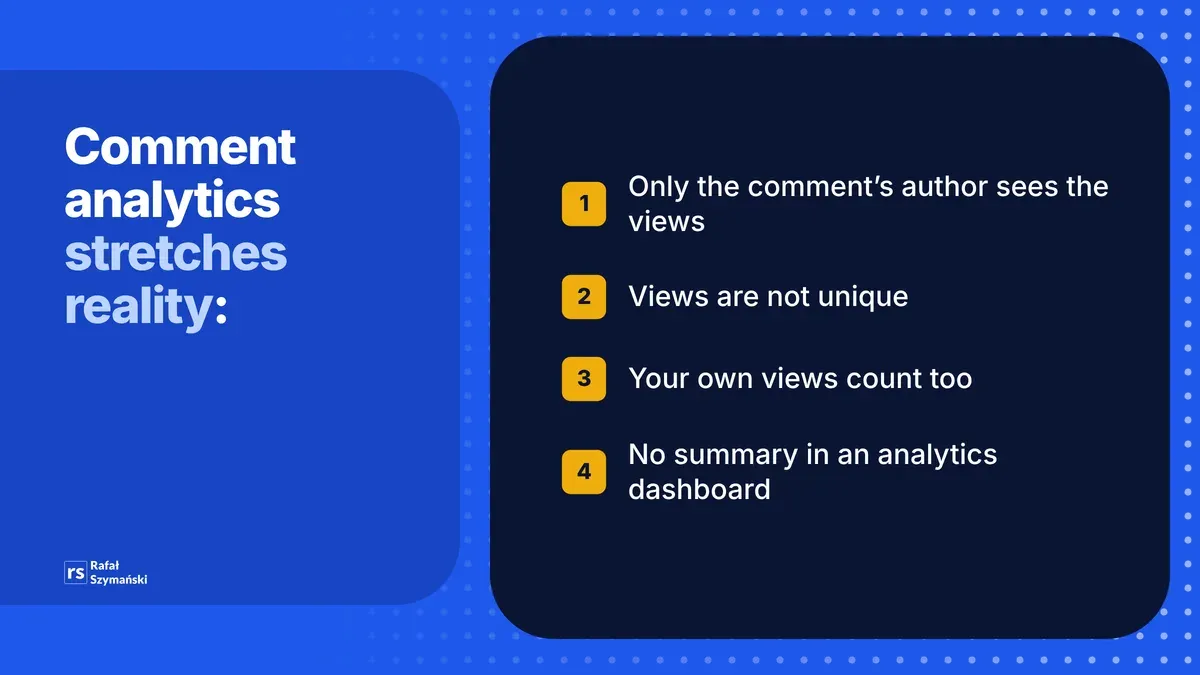
Before we get excited about the new data, remember that this feature started as a test and somewhat stretches reality, because:
• Only authors can see the number of views of their own comments (page administrators will be able to see the number of views of all comments created as a page). • View counters are not unique, meaning if the same user views a comment many times, each view will be counted. • Your own views of the comment count towards the total number of views. • These indicators are not displayed as part of any dashboard in the style: “Your comments were viewed so many times”.
Why do I think this matters to us? No other platform treats comments as a legitimate way to increase visibility and development like LinkedIn. Creators, marketers and brands have built entire strategies around commenting on LinkedIn due to the exposure it can generate.
I know companies and people who have established daily commenting goals to maintain visibility, strategic commenting on posts by known users to reach their audiences, and even using AI tools for automatic commenting.
This also includes “secret business support groups” where people like and comment on each other’s posts. You can probably name a few such groups, I’ll start: Personal Brand Strategy and put the next number.
I believe the goal of this analytics change is to encourage users to comment more often and leave more valuable comments under posts.
If I see that spending 5 minutes and not 10 seconds writing someone a response returns to me with a large number of views, it will definitely encourage me to write such comments.
That means it will encourage you, because I always write such ones anyway, because I like it 😊
Ready to turn LinkedIn comments into a real growth strategy? In my LinkedIn training for companies, we practice commenting, content creation, and engagement techniques with 80% hands-on exercises on your accounts.

About the author
Rafal Szymanski
I implement LinkedIn and Sales Navigator in companies so they turn a profit.
I've been training people in LinkedIn since 2016 — more than 3,700 of them, across 80+ B2B companies. Founder of B2B Marketing.AI, a CRM platform for advanced LinkedIn users. I help sales and marketing teams turn LinkedIn into a predictable source of leads. I've spoken about LinkedIn at the biggest conferences, including I Love Marketing, InfoShare and Effie, and picked up a few awards along the way.